 PocketBook AI
Get the app
PocketBook AI
Get the app


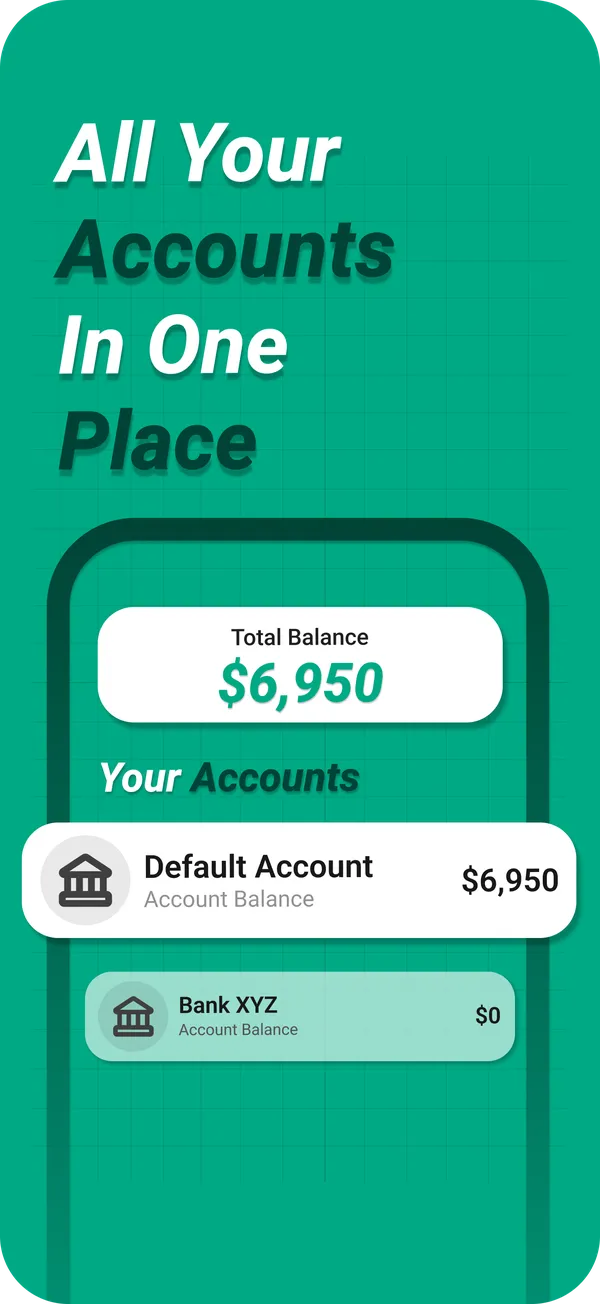
Short answer. To track cash and card spending together, use an expense tracker that lets you create a separate account for each bank account, card and cash wallet, then log each purchase against the account it came from. PocketBook AI keeps bank accounts, cards and cash in one place on iPhone and shows the total balance across them.
Why cash is the blind spot
Apps that import from a bank only see money that moves through the bank. When you withdraw cash, the bank records one withdrawal, and everything you then pay in cash disappears from view: the farmers market, tips, splitting a bill with friends. If you use cash at all, a bank feed alone will never quite balance.
A simple setup
- One account per bank account you spend from.
- One account per credit or debit card.
- One cash account for the money in your wallet.
- Log purchases, not withdrawals. Taking cash out of an ATM is not spending. The purchases you make with that cash are, so log each one from the cash account.
How PocketBook AI does it
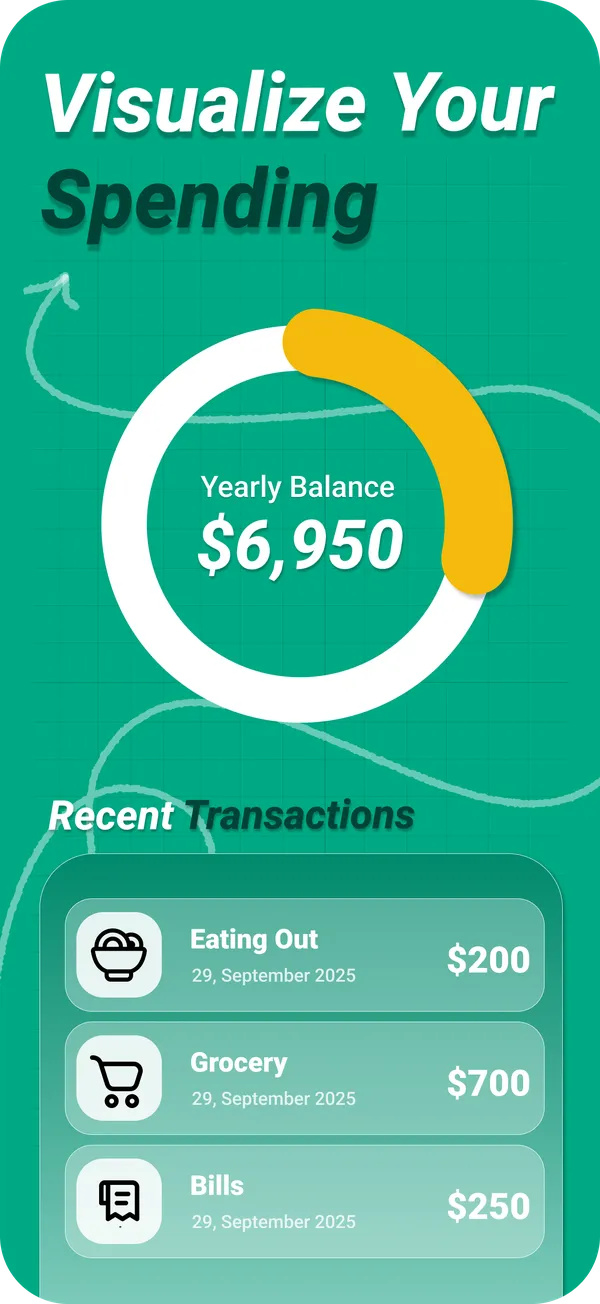
PocketBook AI keeps bank accounts, credit cards and cash in one app. You add an expense or income in a few taps and pick the account it belongs to, and the dashboard shows income, expenses and balance at a glance, with your cash right next to your bank accounts and cards. Unlimited accounts are part of PocketBook Pro.
Tips for cash
- Log on the spot. Cash leaves no receipt trail you can rebuild later.
- Count your wallet once a week. If the cash account and your wallet disagree, add a catch up entry and move on.
- Keep the same categories. A coffee is eating out whether you paid with cash or a card.
Questions
What is the best way to track cash spending?
Log each cash purchase on your phone right after you pay, in its own cash account, and do not count the ATM withdrawal itself as spending. Reviewing the cash account weekly shows how much really goes out in small purchases.
Can a budgeting app track cash?
Only if it lets you enter transactions yourself, because bank feeds cannot see cash. PocketBook AI lets you keep a cash account next to your bank accounts and cards and log each cash purchase in a few taps.
Can I see one balance for all my accounts?
Yes. PocketBook AI keeps bank accounts, cards and cash in one place and shows a total balance across them, so you can see what you have overall without opening several apps. Unlimited accounts are part of PocketBook Pro.