 PocketBook AI
Get the app
PocketBook AI
Get the app


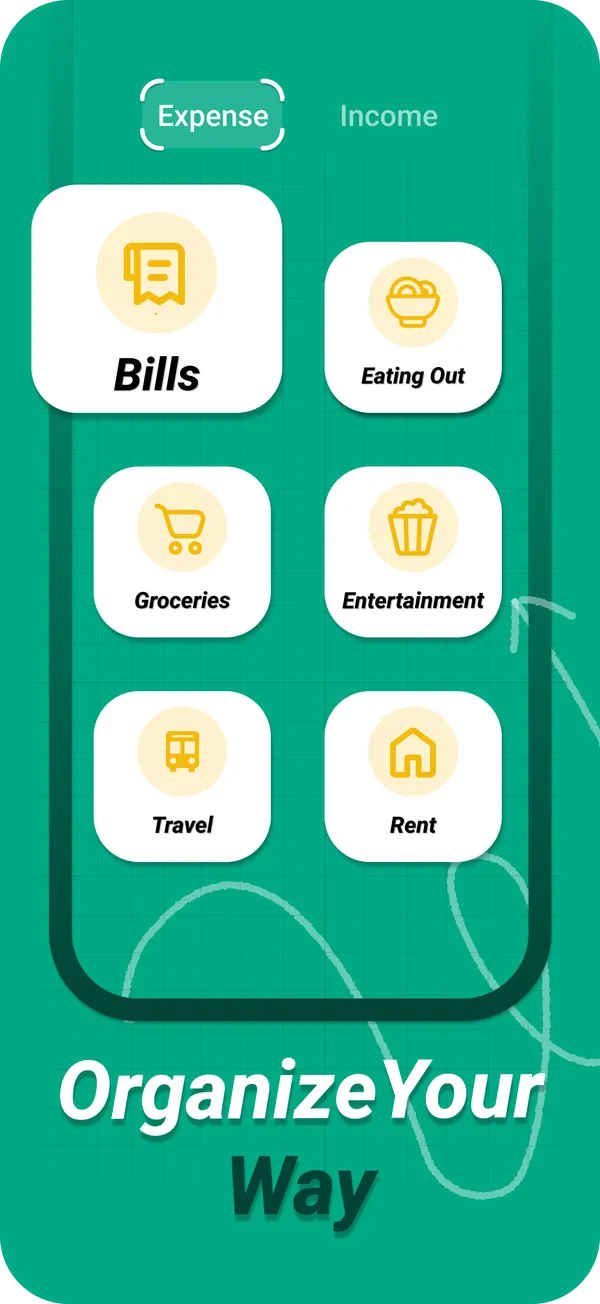
Short answer. For a personal budget, start with eight broad expense categories: housing, bills and utilities, groceries, eating out, transport, health, entertainment and shopping, plus an other category for the rest. After a month, split any category that is too big to act on and merge the ones you barely use. PocketBook AI lets you create custom categories for expenses and income.
A starter list
- HousingRent or mortgage, renters or home insurance, repairs.
- Bills and utilitiesElectricity, water, heating, internet, phone plan.
- GroceriesSupermarket and household basics.
- Eating outRestaurants, coffee, takeout and delivery.
- TransportFuel, public transit, rides, parking, car costs.
- HealthPharmacy, doctor visits, gym.
- EntertainmentStreaming, events, games, hobbies.
- ShoppingClothes, electronics, gifts, things for the home.
- OtherAnything that fits nowhere else. If it grows, it deserves its own category.
For income, two or three categories are enough: salary, side income, and refunds or gifts.
How many categories is right?
Six to ten covers most households. A category earns its place if seeing its total would change a decision. Nobody decides anything differently because toothpaste and dish soap sit in separate categories, so they can share one. Eating out and groceries, on the other hand, are worth keeping apart, because the gap between them is where many people find savings.
Fixed and flexible costs
It helps to know which categories you can change this month. Housing and most bills are fixed: they change only with a new contract. Eating out, shopping and entertainment are flexible: they respond to everyday choices. When you look for savings, start with the flexible ones.
Tune the list after one month
- Split a category that holds more than a quarter of your spending and that you cannot act on as one number.
- Merge categories that held only one or two purchases.
- Add a subscriptions category if you pay for more than three or four. They are small, recurring and easy to forget.
Custom categories in PocketBook AI
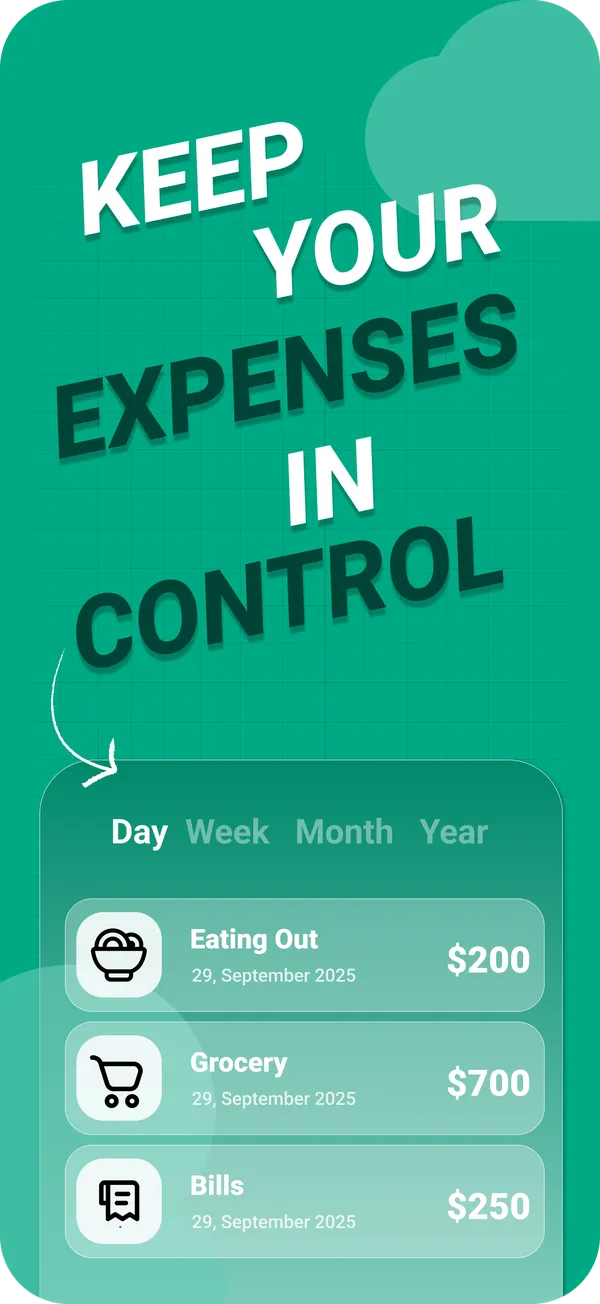
PocketBook AI lets you set up your own categories for expenses and for income, so the list above is a starting point, not a rule. Every transaction you log goes into one of them, charts show the totals by day, week, month or year, and the PocketAI report names your top category and breaks spending down by category.
Questions
What are the main categories of personal expenses?
Most budgets use some version of housing, bills and utilities, groceries, eating out, transport, health, entertainment and shopping, plus an other category. Together they cover nearly every purchase while staying short enough to pick from in a second.
How many budget categories should I have?
Six to ten is enough for most households. Fewer hides useful detail, and more than about fifteen makes logging slow. Start broad, track for a month, then split only the categories that are too big to act on.
Should subscriptions be their own category?
If you pay for more than three or four, yes. Subscriptions are small, recurring and easy to forget, which makes them one of the first places people find savings once the total is visible as one number.
Can I create my own categories in PocketBook AI?
Yes. PocketBook AI supports custom categories for both expenses and income, so you can organize your spending your way instead of fitting into a fixed list.