 PocketBook AI
Get the app
PocketBook AI
Get the app


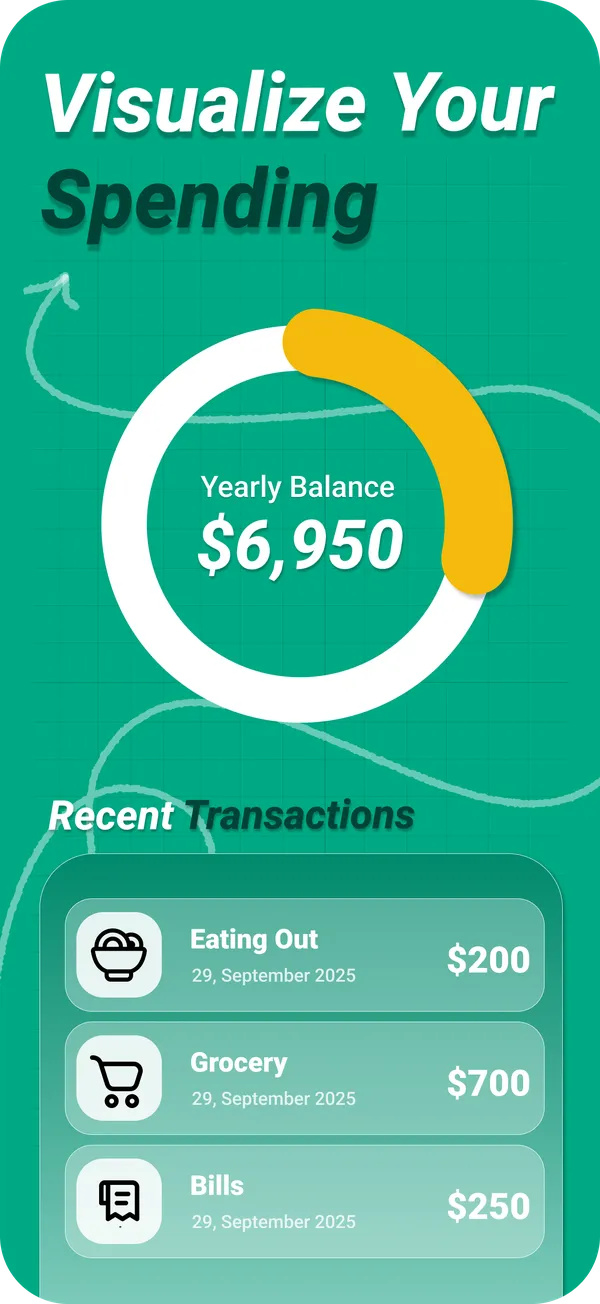
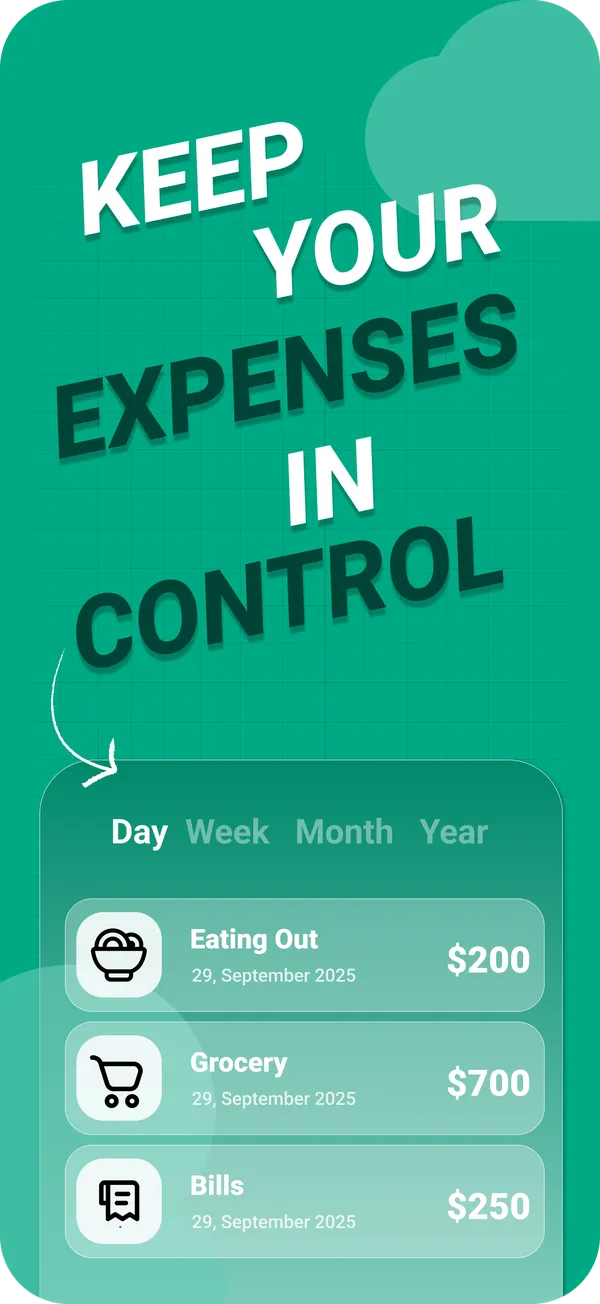
Short answer. A simple expense tracker records income and expenses, sorts them into categories and shows the totals, without a budgeting method to learn first. PocketBook AI is a simple expense tracker for iPhone: a clean dashboard with income, expenses and balance, logging in a few taps, charts by day, week, month or year, and an AI coach for tips.
Tracker or budgeting system?
A budgeting system, such as zero based or envelope budgeting, asks you to plan every dollar before you spend it. It is powerful if you stick with it, and it takes setup and regular upkeep. An expense tracker does less: it records what happened and shows it clearly, and you decide what to change.
Complexity is a real reason people quit. We read 1,588 critical App Store reviews of 16 popular budgeting and expense apps in November 2026, and 15 of the 16 apps had reviews calling them too complicated, confusing or bloated, often right after an update added more features.
What PocketBook AI keeps simple
- One dashboard. Income, expenses and balance at a glance.
- A few taps per entry. Add an expense or income and get on with your day.
- Charts by period. Day, week, month or year.
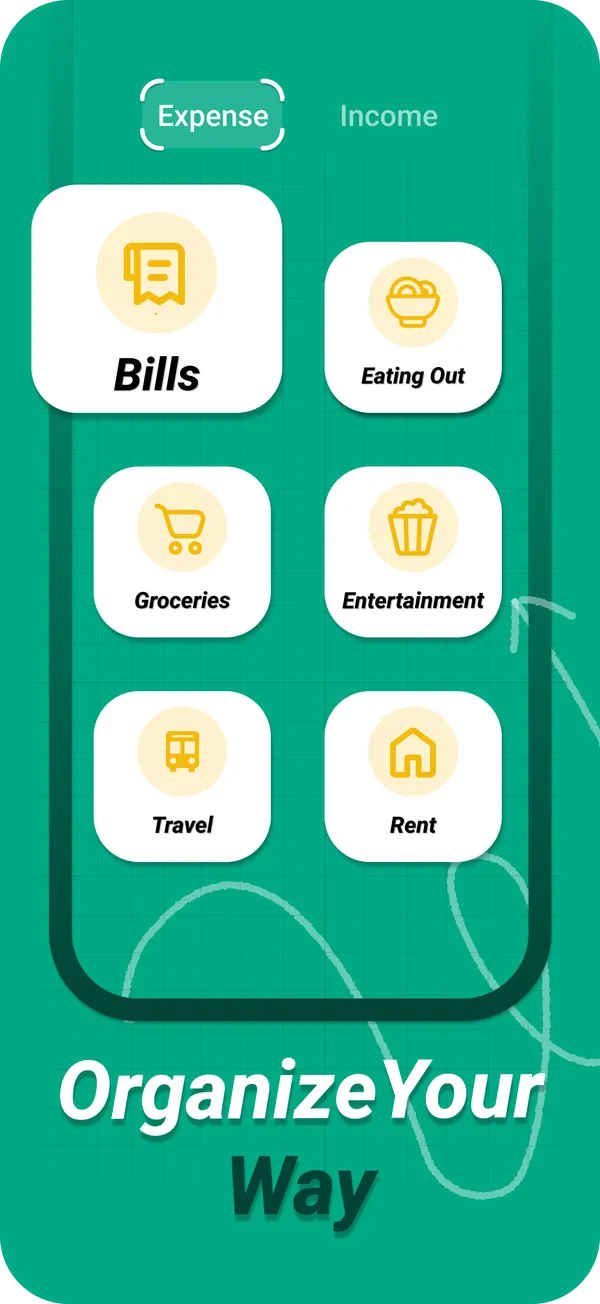
- Your categories. Custom categories instead of a fixed scheme.
- Easy on the eyes. Light and dark mode.
- A coach when you want one. PocketAI explains your spending and suggests where to save.
When you need more than a tracker
If you want to plan every dollar in advance with a method like zero based budgeting, an app built around that method will fit better. A simple tracker is the right start if you are not sure yet where your money goes, or if a full budgeting system did not stick before.
Moving on from Mint
Mint closed in 2024, and many former users are still looking for something as easy. If you mainly used Mint to see your spending by category, a simple tracker covers that. If you relied on automatic import from your bank, look for an app built around bank sync. PocketBook AI is built around logging in a few taps.
Questions
What is the simplest way to track expenses?
Write down every expense as it happens in a few broad categories and look at the totals once a week. A phone app makes this fastest, because it adds up the totals and draws the charts for you. PocketBook AI does exactly that, with logging in a few taps.
What is a good budgeting app for beginners?
One you will still open in week three. For beginners, an app where logging takes a few taps and the totals are visible at a glance usually beats a full budgeting method. PocketBook AI is built that way and is free to download on iPhone.
Is there a simple alternative to Mint?
For seeing spending by category without much setup, a simple expense tracker is the closest fit. PocketBook AI shows income, expenses and balance on one dashboard, with charts by period and custom categories, and PocketAI adds tips on where to save.