 PocketBook AI
Get the app
PocketBook AI
Get the app


Short answer. Yes, you can track expenses without linking a bank account. A manual expense tracker lets you enter each purchase yourself, which avoids broken bank connections and duplicate imports and also covers cash. PocketBook AI is an iPhone expense tracker that does not require a bank connection: you log income and expenses in a few taps and get charts and AI tips from what you enter.
Why people stop linking their bank
We read 1,588 critical App Store reviews, one to three stars, of 16 popular budgeting and expense apps in November 2026. Next to price, one of the most frequent complaints was the bank connection: accounts that will not connect, links that drop and have to be redone, and transactions that go missing or show up two or three times.
- Connections break. When the link between an app and a bank stops working, the app quietly stops updating until you notice and reconnect.
- Imports go wrong. A pending charge and the posted charge can both appear, or a transaction never arrives, and the totals are off until you clean them up by hand anyway.
- Cash is invisible. A bank feed only sees money that moves through the bank.
- Not everyone wants to share bank access. Some people simply prefer that a budgeting app never sees their bank login.
How to make manual tracking fast enough to stick
- Log at the moment you pay. Ten seconds at the counter beats ten minutes of guessing in the evening.
- Keep categories few and broad. Six to eight is plenty. Every extra choice slows down every entry.
- Set up your accounts once. One for each bank account and card you spend from, and one for cash.
- Review weekly, not daily. A short look at the week is enough to spot what is growing.
How PocketBook AI handles it
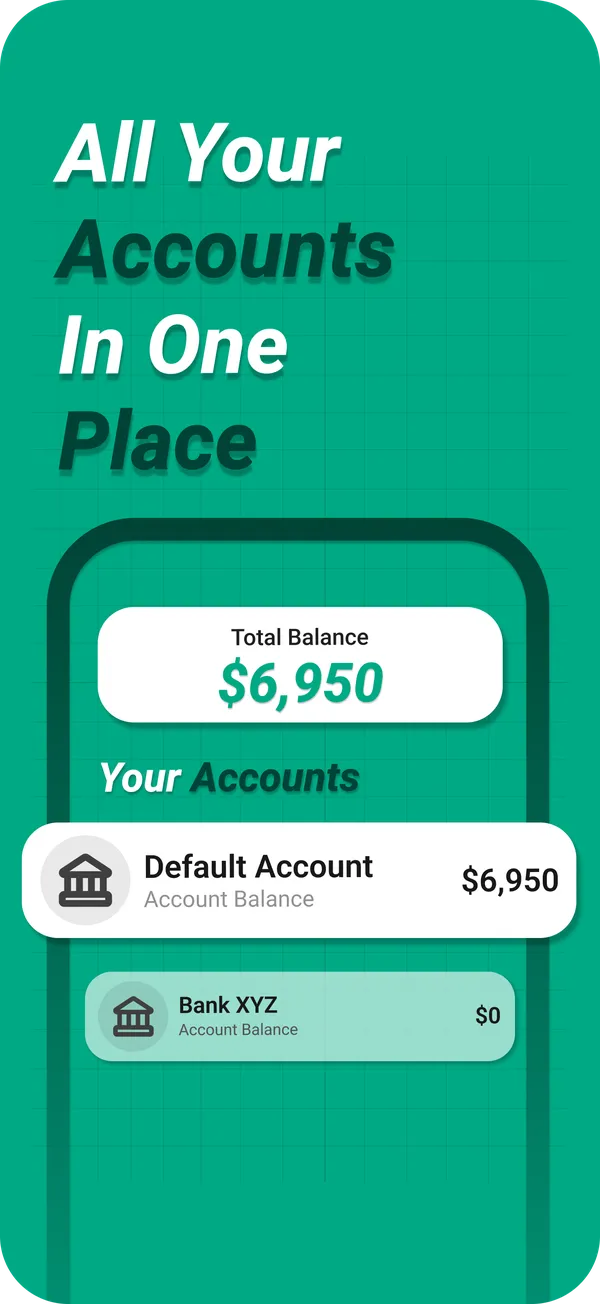
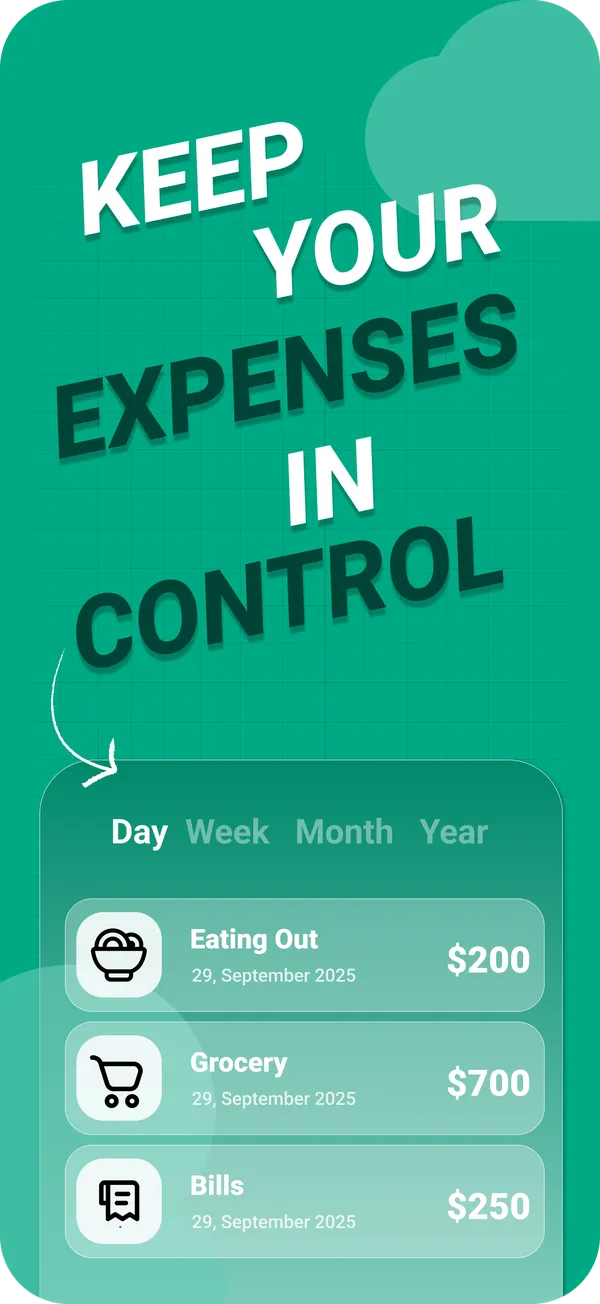
PocketBook AI does not require a bank connection. You add an expense or income in a few taps, choose the account it came from, whether a bank account, a card or cash, and a category you set up yourself. The dashboard keeps income, expenses and balance current, charts group spending by day, week, month or year, and PocketAI analyzes those transactions to suggest where you could cut costs.
You sign in with Apple or Google, and your entries are stored in your PocketBook AI account rather than only on one phone. What is stored and which services are involved is listed in the privacy policy.
When bank sync is the better choice
If you make dozens of card payments a day across many accounts and never touch cash, an app that imports from your bank can save time, as long as the connection to your bank holds up. Tracking by hand pays off when you want totals you can trust, want cash included, or would rather keep bank access out of the picture.
Questions
Is it safe to use a budgeting app without linking my bank?
Not linking shares the least: the app never receives your bank login or your full statement, only the transactions you choose to enter. With PocketBook AI you sign in with Apple or Google and log transactions yourself. No bank connection is needed.
Can I track credit card and cash spending without bank sync?
Yes. Create one account for each card and one for cash, then log each purchase against the right account. PocketBook AI keeps bank accounts, cards and cash in one place and shows the total balance across them. Unlimited accounts are part of PocketBook Pro.
Is manual expense tracking worth the effort?
For most people, yes. Logging a purchase takes a few seconds, the totals are exactly as accurate as your entries, and the moment of logging makes every purchase a conscious one. The usual reason people quit is too many categories, so start with six to eight.
Why do budgeting apps show duplicate transactions?
Usually because the bank reports a purchase twice: once as pending and again when it posts, sometimes with a different amount, such as a tip added later. If the app fails to match the two, the purchase is counted twice. Logging purchases yourself avoids this, because each one is entered once.