 PocketBook AI
Get the app
PocketBook AI
Get the app


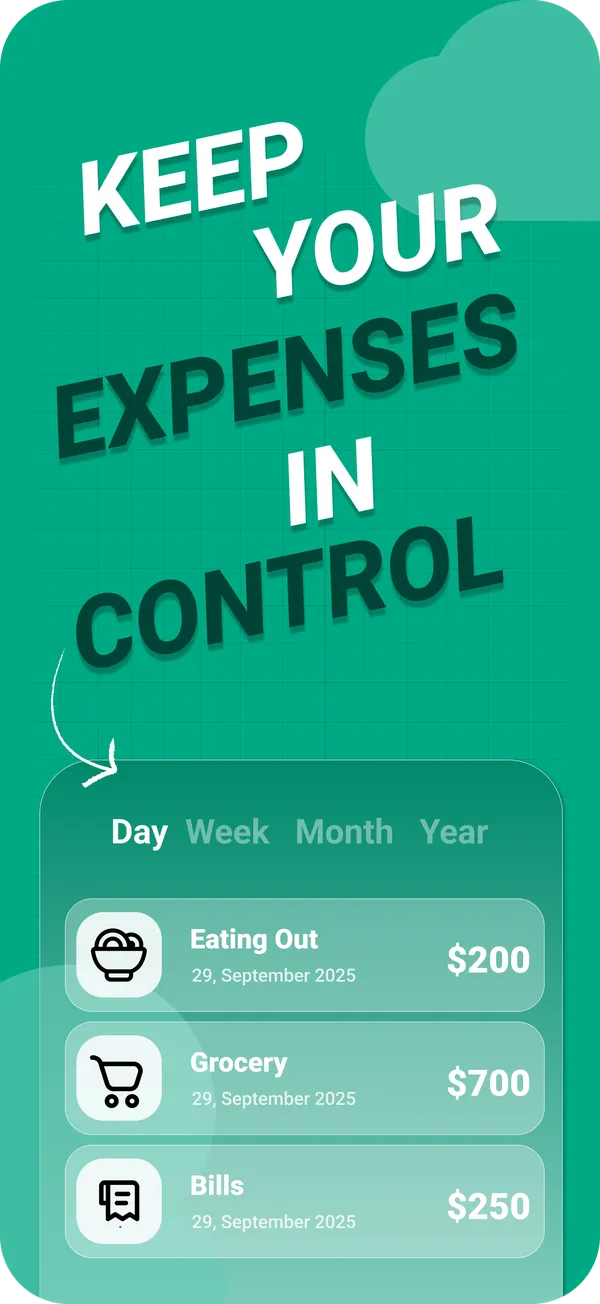
Short answer. To track expenses on iPhone, install an expense tracker, add each account you pay from (bank accounts, cards and cash), create six to eight broad categories, log every purchase when you pay, and review the totals once a week. In PocketBook AI each entry takes a few taps, and charts show spending by day, week, month or year.
Five steps
Install an expense tracker
Download PocketBook AI from the App Store. It runs on iPhone with iOS 18.5 or later and is available in English, French, German and Spanish. Sign in with Apple or Google, and choose the currency you track in.
Add the accounts you pay from
Create one account for each bank account and card you spend from, and one for cash. PocketBook AI shows them all in one place with a total balance. Unlimited accounts are part of PocketBook Pro.
Set up a few categories
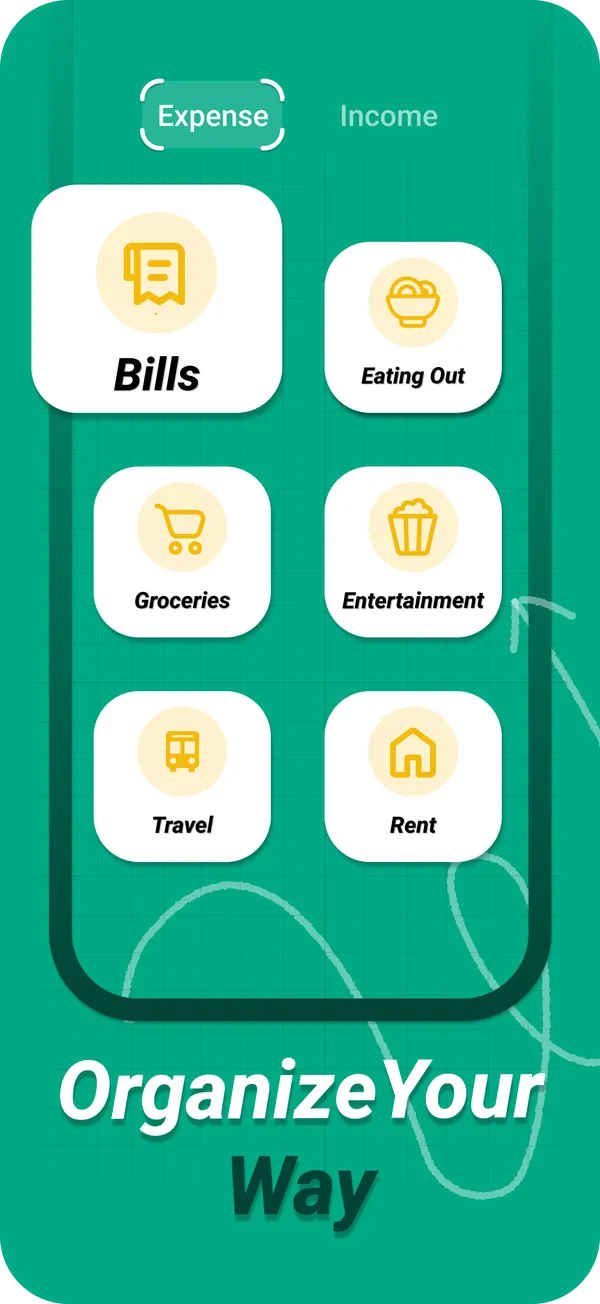
Start with six to eight broad categories such as rent, bills, groceries, eating out, transport and entertainment. PocketBook AI supports custom categories, so the list can match your life instead of a template. The starter list helps.
Log every purchase when you pay
Add each expense or income in a few taps while you are still at the counter. Logging later means guessing amounts and forgetting small purchases, and the small ones are exactly the ones that add up.
Review once a week
Open the charts and switch between day, week, month and year. Look for the category that grew the most and decide on one change for the coming week. PocketAI can summarize the month and suggest where to save.
Notes app, spreadsheet or expense tracker?
- Notes app. Fastest to start, but it never adds anything up, so the end of the month means manual math.
- Spreadsheet. Flexible and free, but awkward to type into on a phone at the checkout, which is when logging needs to happen.
- Expense tracker app. Made for entering a purchase in seconds, and it adds up the totals and draws the charts for you.
Three habits that keep it going
- Do not aim for perfect categories. A purchase in a roughly right category beats a purchase never logged.
- Log cash right away. Cash leaves no trail to rebuild later. See tracking cash and cards together.
- Miss a day, not a week. If you forget, add what you remember and carry on. A gap of one day barely changes the month.
Questions
What is the best way to track daily expenses?
Log each expense at the moment you pay, on your phone, in a small set of broad categories, and review the totals weekly. The best method is the one you keep up, so speed of entry matters more than detail.
Can I track expenses on iPhone without a spreadsheet?
Yes. An expense tracker app replaces the spreadsheet: you enter the amount, category and account, and it adds up the totals and draws charts for you. PocketBook AI shows spending by day, week, month or year.
How long does it take to log an expense?
In PocketBook AI, adding an expense or income takes a few taps. Logging right away is faster than reconstructing purchases later from memory or receipts, and it is more accurate.
Which iPhones does PocketBook AI run on?
PocketBook AI needs iOS 18.5 or later and is free to download from the App Store. The app is available in English, French, German and Spanish.