 PocketBook AI
Get the app
PocketBook AI
Get the app


Short answer. To find out where your money goes, record every expense for one full month, including cash, sort each one into a broad category, and compare the totals with what you thought you spent. The gap between your guess and the real total is the leak. PocketBook AI does this on iPhone: you log each purchase in a few taps, see spending by day, week, month or year, and PocketAI points out where you could cut back.
Why the money disappears without one big purchase
Big bills rarely surprise anyone. Rent, insurance and loan payments are planned, so they are easy to remember. What surprises people is the sum of purchases that each felt too small to count: coffee, delivery fees, rides, snacks, a subscription you forgot, a quick stop at the store. Ten of those a week is more than forty a month, and not one of them is memorable on its own.
That is also why checking your bank balance does not answer the question. The balance tells you how much is gone, not where it went.
A one month method that works with any tool
- Record everything for 30 days. Every card payment, every cash purchase, every transfer to someone else. Leaving out cash is the most common reason a tally never matches the balance.
- Use a few broad categories. Rent, bills, groceries, eating out, transport, entertainment, shopping and other are enough to start. A long list makes logging slow, and slow logging gets skipped. The starter category list helps.
- Write down your guess first. Before you look at the totals, estimate what you spent on eating out and on shopping. The difference between the guess and the real number is exactly what you are looking for.
- Read the month by week. A month total hides patterns. Weekly totals show whether spending climbs right after payday, on weekends or in the last week of the month.
- Change one category. Cutting everything at once rarely lasts. Pick the category with the biggest gap between guess and reality, and choose one concrete change for next month.
How PocketBook AI helps
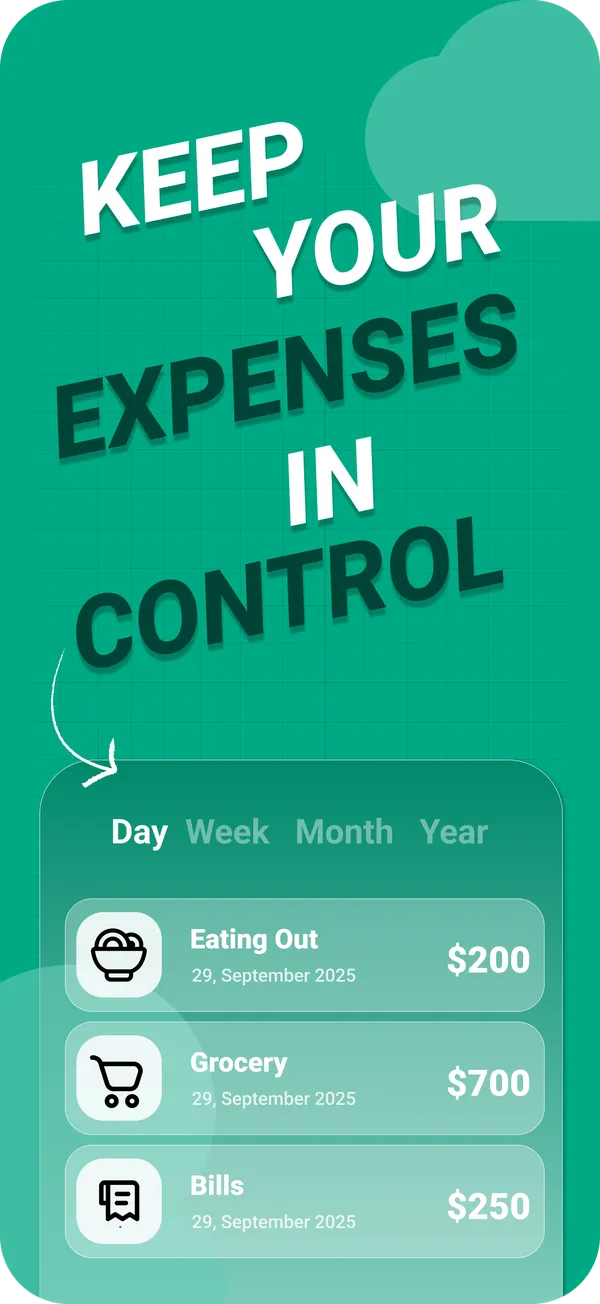
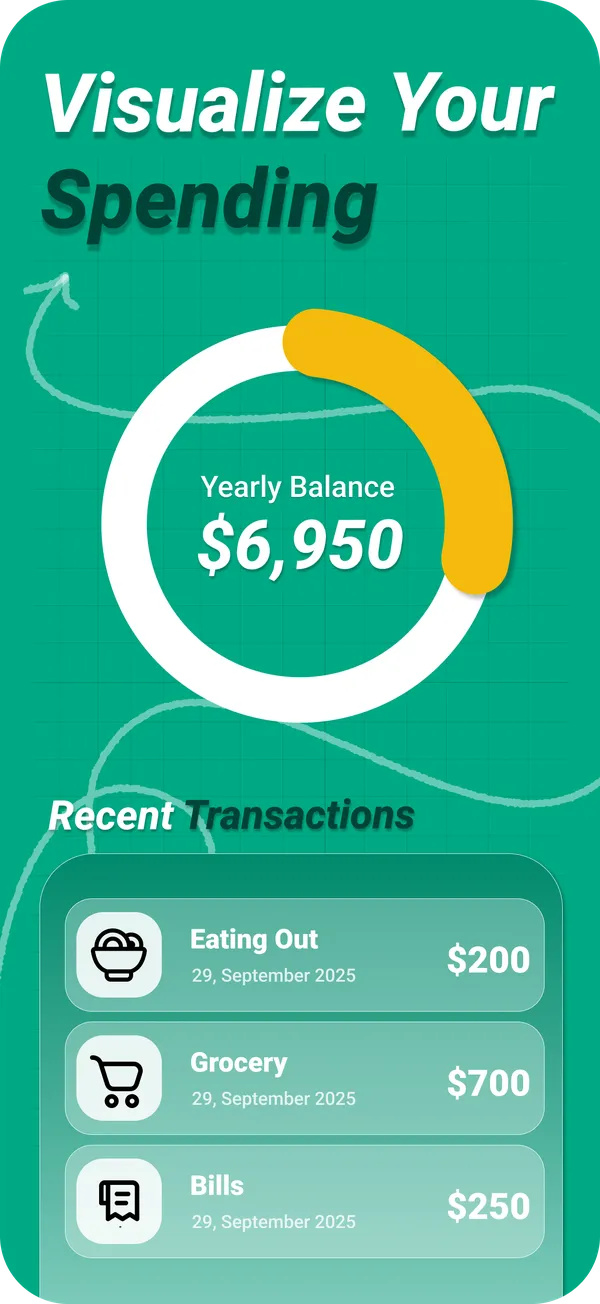
PocketBook AI is an iPhone expense tracker built around this loop. Adding an expense or income takes a few taps, and you file it under your own custom categories. The dashboard shows income, expenses and balance at a glance, and charts break spending down by day, week, month or year. Bank accounts, cards and cash sit side by side, so cash is not left out.
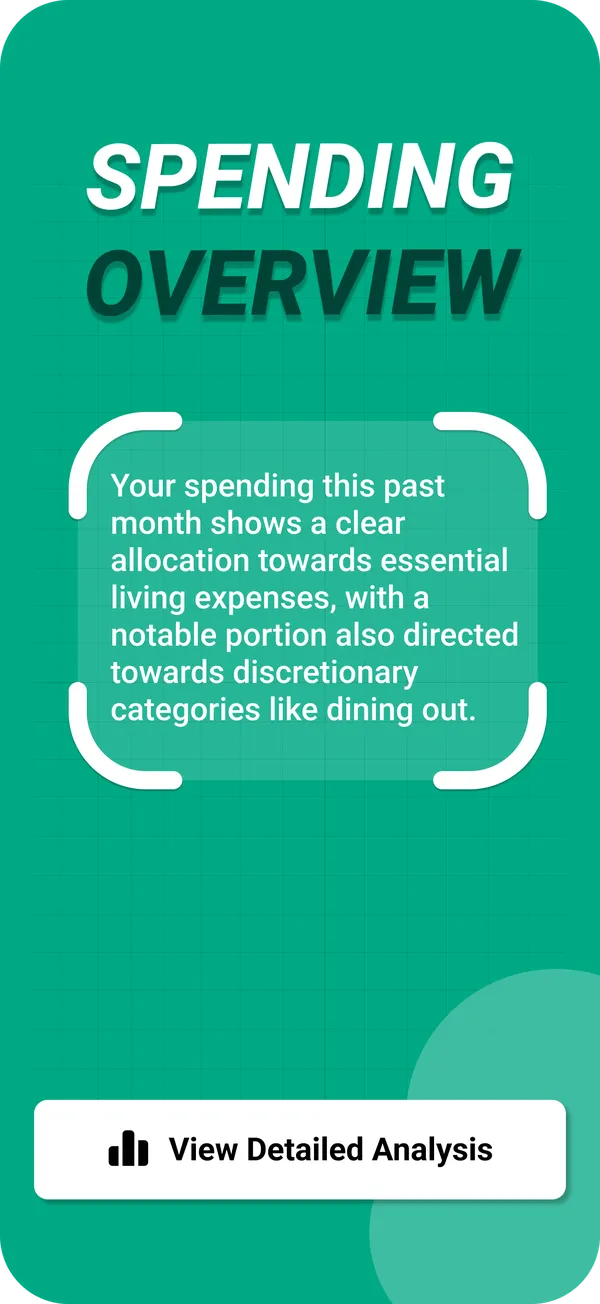
PocketAI, the built in finance coach, reads the transactions in your account and writes a plain language summary of where the money went, with tips on where to save. Unlimited PocketAI is part of PocketBook Pro.
What no app can do for you
A tracker only knows what it is told. PocketBook AI works with the transactions you log, so a purchase you never enter will not show up in any chart. Logging takes a few seconds per purchase, and many people find that this small moment of attention is what makes them spend less in the first place.
Questions
Why am I always broke before the end of the month?
Usually because spending is front loaded. Bills and the biggest discretionary purchases land in the days after payday, and the last week has to live on what is left. Tracking one month by week shows whether that is your pattern. If it is, setting aside a fixed amount for the last week right after payday is a simple first fix.
What is the easiest way to see what I spend money on?
Log every expense for one month in a handful of broad categories, then compare the category totals. A phone app is faster than a spreadsheet because you log at the moment you pay. PocketBook AI adds the totals up for you and shows them by day, week, month or year.
Do I need to connect my bank account to see where my money goes?
No. Recording expenses yourself works, and it also captures cash, which bank based tools cannot see. PocketBook AI does not require a bank connection: you add each transaction in a few taps. More on that in tracking without a bank login.
Is PocketBook AI free?
PocketBook AI is free to download on iPhone with iOS 18.5 or later. PocketBook Pro is an optional subscription that unlocks unlimited PocketAI and unlimited accounts. In the US App Store it costs 4.99 USD per week, 7.99 USD per month or 29.99 USD per year.